
The Video-Interview Check You Should Do Before Interview Day
Test your sound, connection and backup plan while there is still time to fix them.
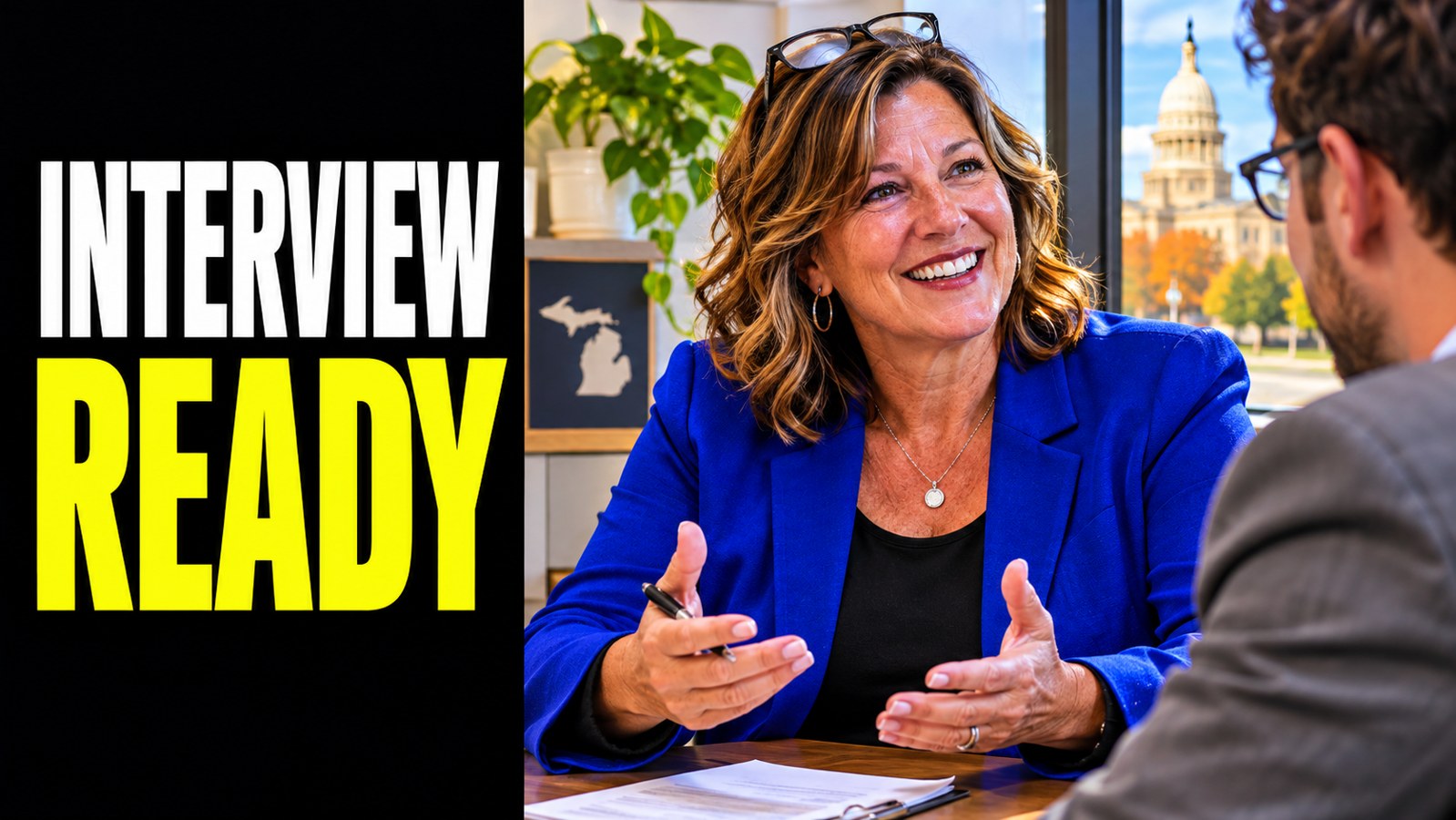
A video interview has two tasks: showing your qualifications and making the conversation easy to have. Test the practical setup before the scheduled meeting so you can focus on the questions.
Run the actual setup
Use the device, internet connection and room you expect to use. Test the meeting application’s camera and microphone permissions. Confirm the time zone and keep the recruiter’s contact information available in case the connection fails.
Check what the interviewer will experience
- Can your voice be heard clearly without background noise?
- Is your face visible without a bright window behind you?
- Are notifications and unrelated applications closed?
- Can you reach your résumé without losing the conversation?
Keep notes short and near the camera. Reading a full answer from a second screen can make it difficult to listen and respond naturally.
“My connection has dropped. I’m reconnecting now. If it continues, would you prefer to finish by phone at [number]?”
Prepare for the interview, not just the technology
Choose examples related to the role and prepare questions. If you need a quieter location, explore options early rather than assuming a public room will be available at the last minute.
For a recorded interview, read the instructions about response time and retakes before starting. Platforms differ. Do not assume you can restart a submitted answer. A brief practice recording helps you check clarity without trying to perform like a professional presenter.